Supported AI Providers
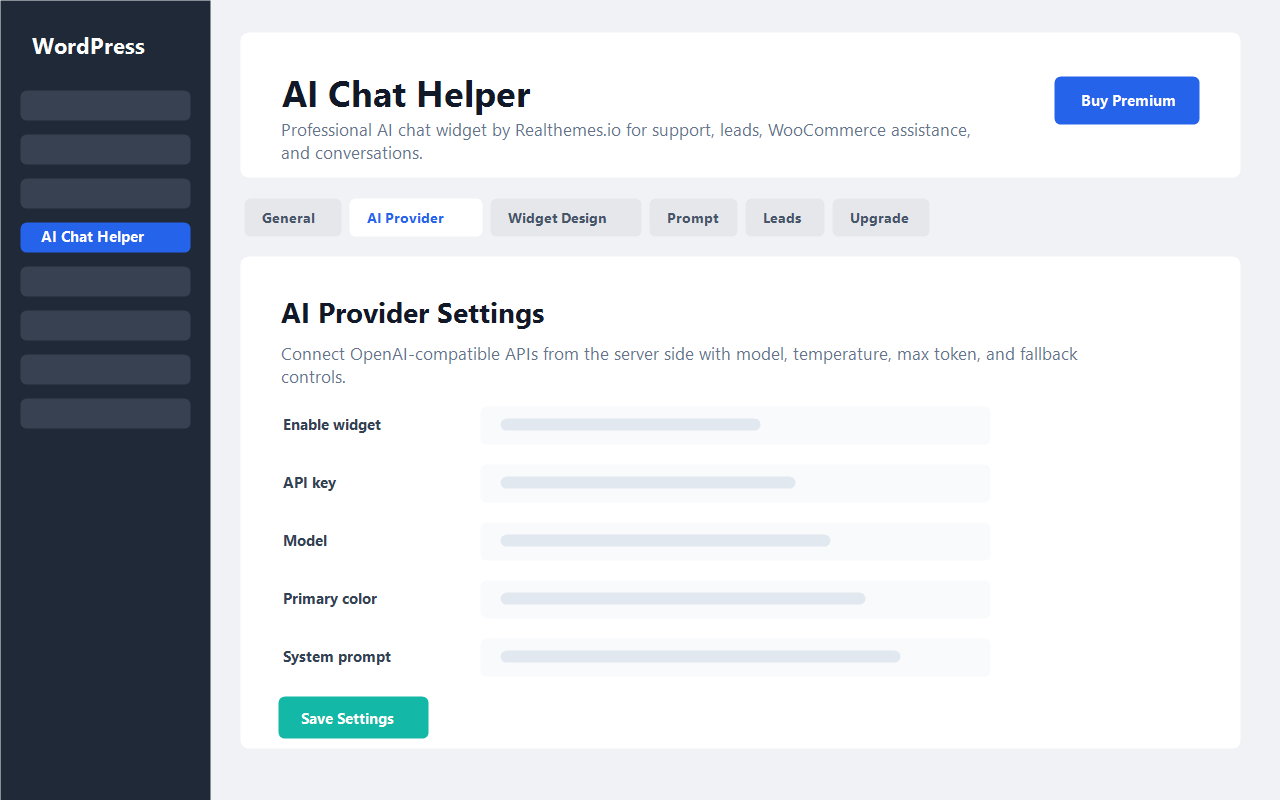
DeepSeek, OpenAI, Google Gemini, Anthropic Claude, OpenRouter, Mistral AI, Groq, xAI, and custom OpenAI-compatible APIs.
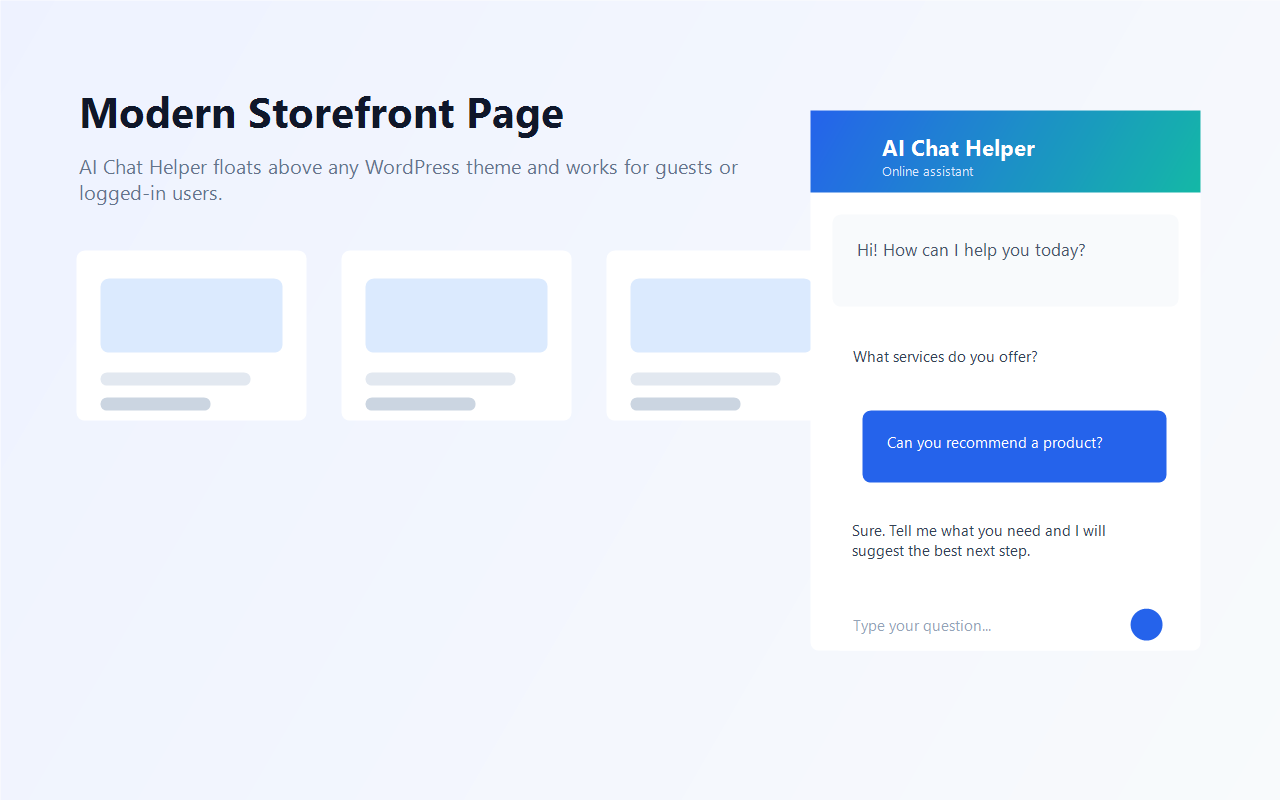
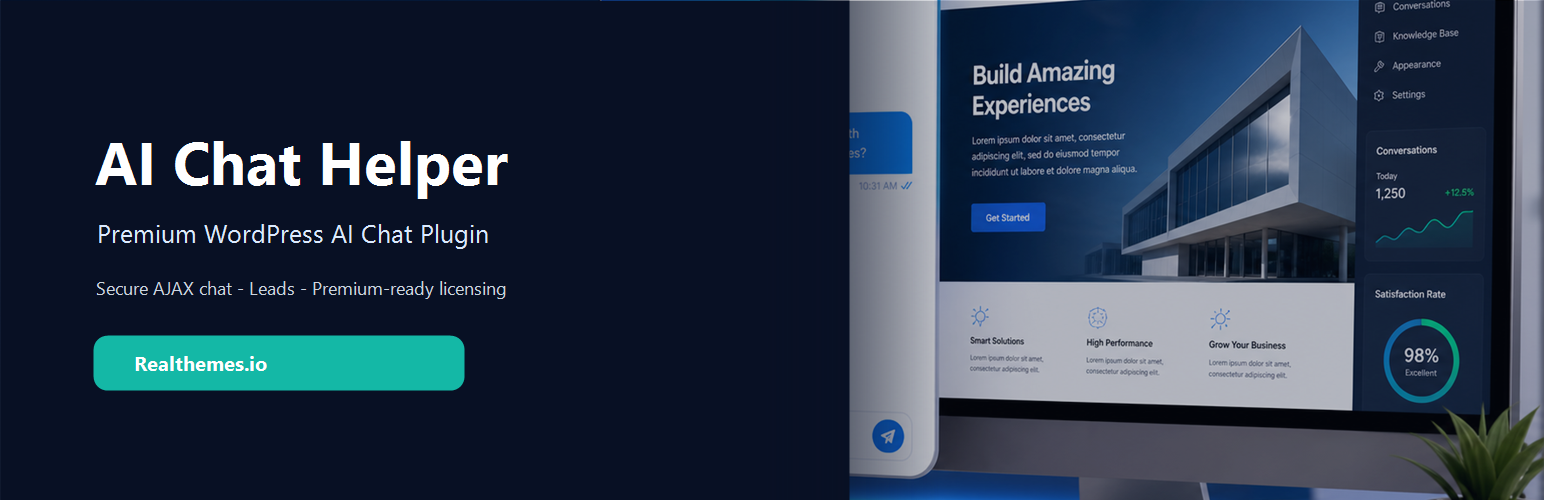
Professional floating AI chat assistant for WordPress with secure server-side AI integration, conversation storage, rate limiting, prompt controls, design settings, and developer extension points.
DeepSeek, OpenAI, Google Gemini, Anthropic Claude, OpenRouter, Mistral AI, Groq, xAI, and custom OpenAI-compatible APIs.
API keys stay server-side and are not exposed in frontend JavaScript. Visitor messages are sent through the configured WordPress server endpoint.
Stores conversations, messages, and optional lead records in local WordPress database tables for admin review and future workflows.
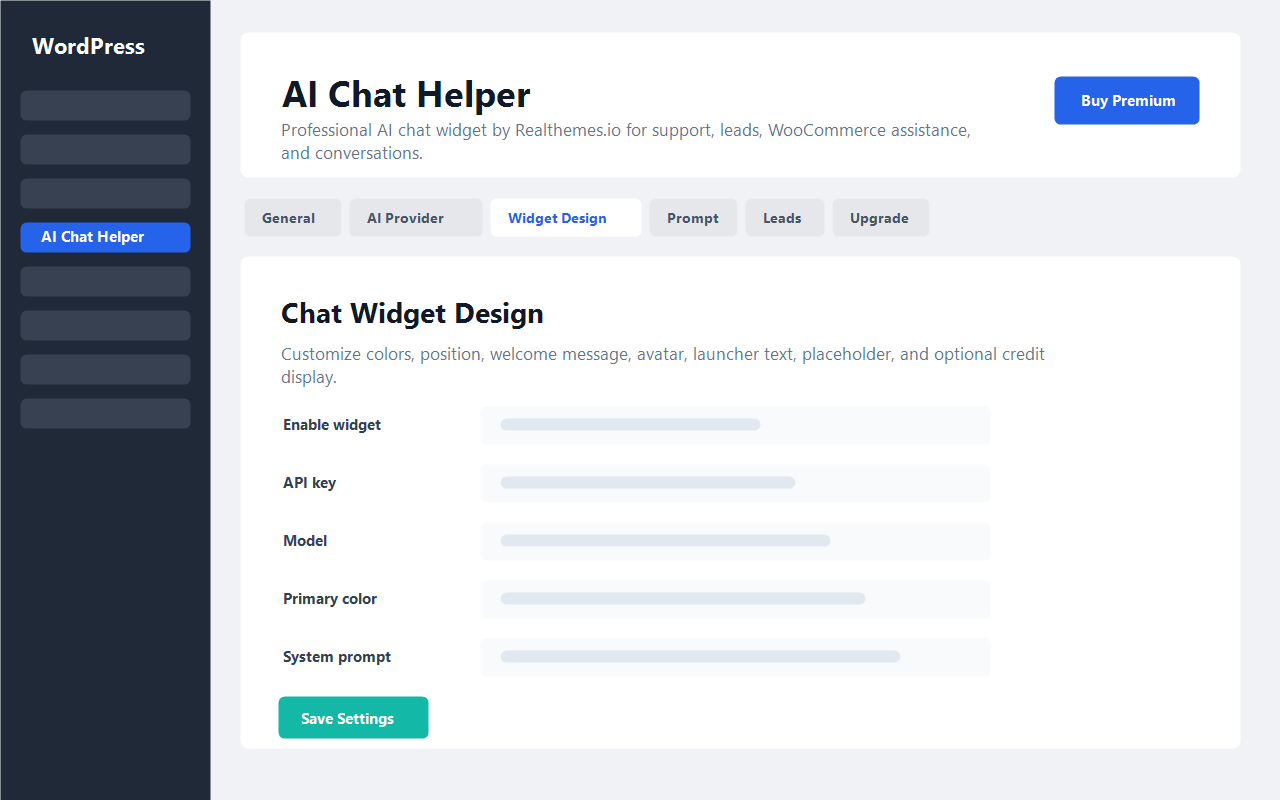
Configure widget colors, position, welcome messages, and the optional “Powered by Realthemes.io” credit from the admin settings.
Includes RTL support and bundled translations for Arabic, Spanish, French, Italian, Hebrew, Russian, Chinese, German, and Turkish.
Built for CRM integration, WooCommerce product assistance, lead capture, analytics, knowledge base training, and file upload workflows.
Upload the plugin folder or install the ZIP from the WordPress admin Plugins screen.
Activate AI Chat Helper and open the AI Chat Helper admin menu.
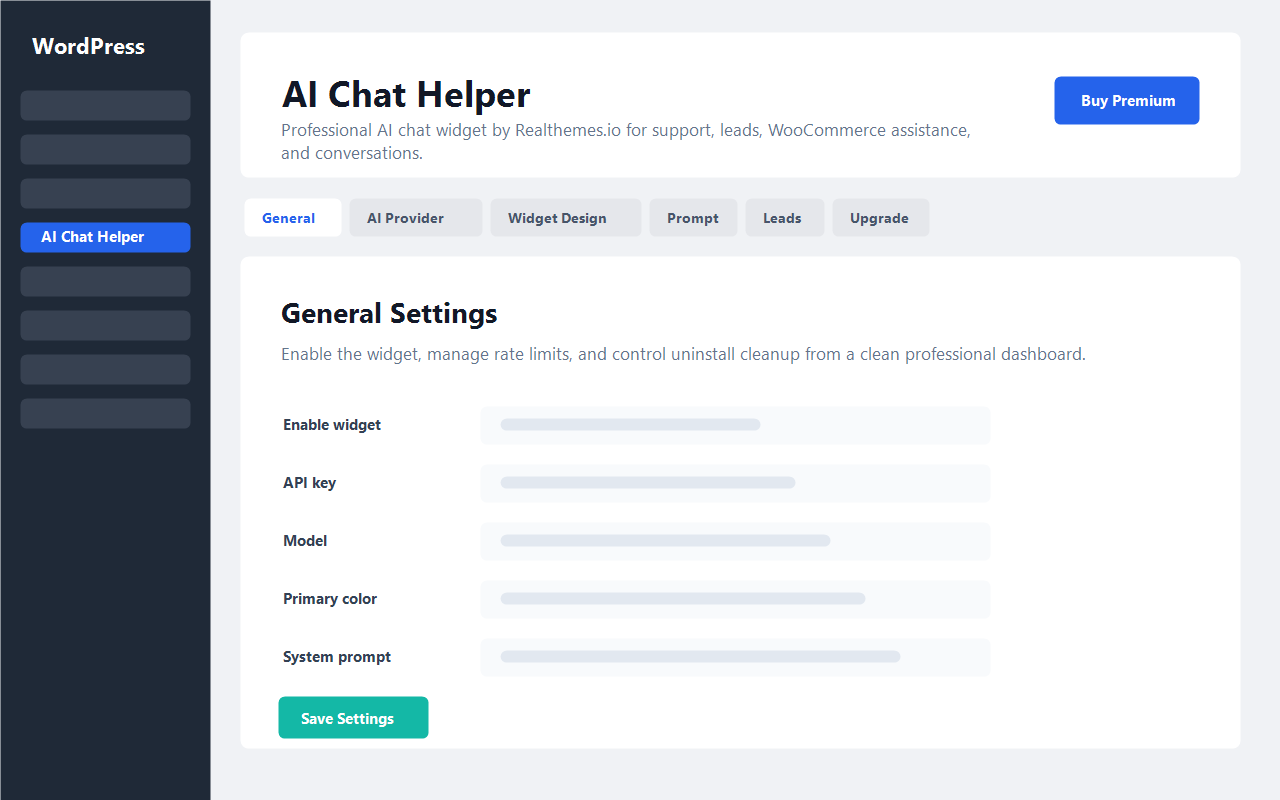
Add your AI API key, base URL, model, system prompt, and widget design settings.
Use the floating frontend widget or render it manually with [ai_chat_helper].